Connect & Sign In
What You Need
- Shield Wallet browser extension — download from shield.app
- Some testnet ALEO tokens for transaction fees
Connect Your Wallet
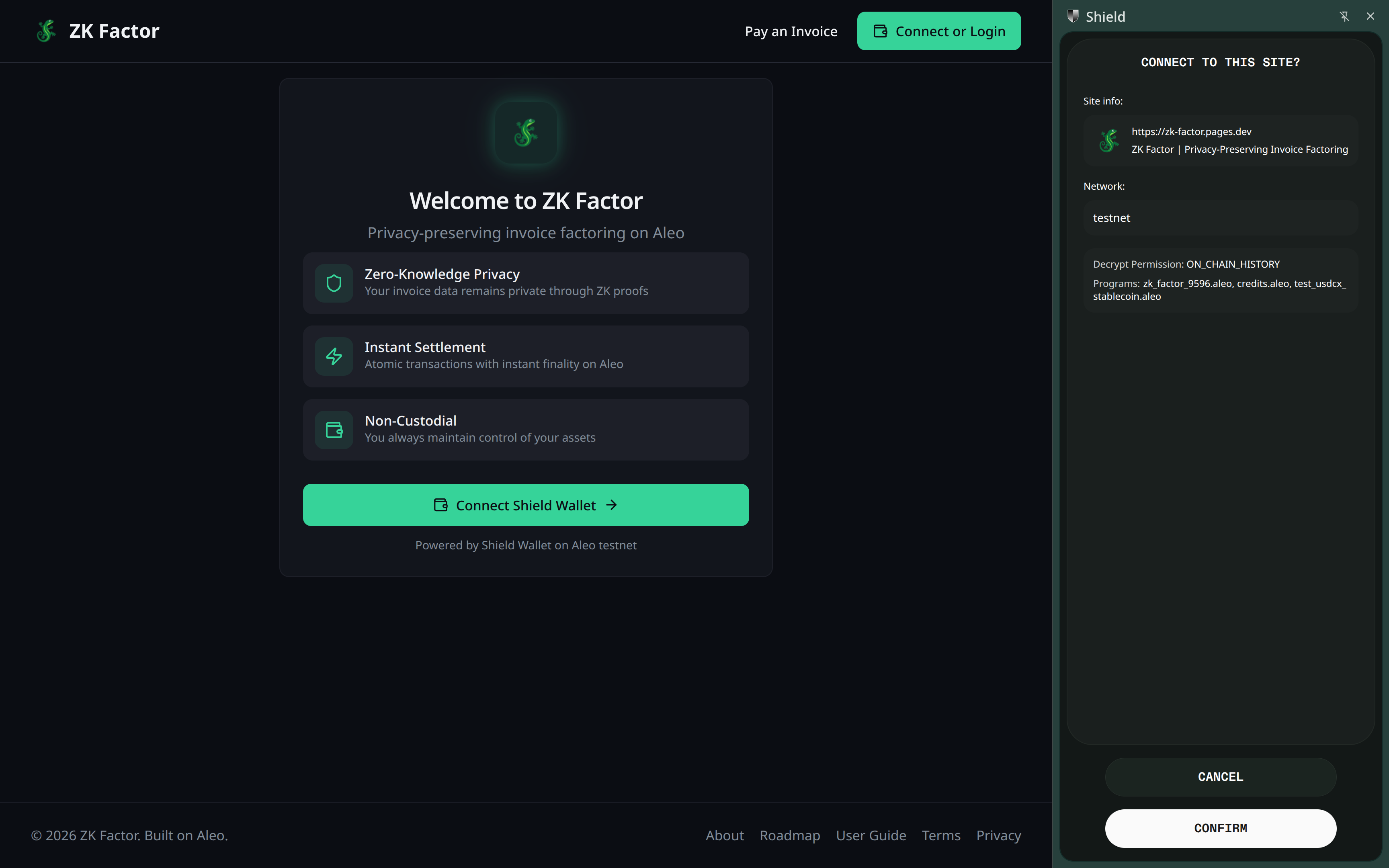
- Open ZK Factor and click Connect Wallet
- The Shield Wallet popup will ask you to approve the connection
Choose Your Role
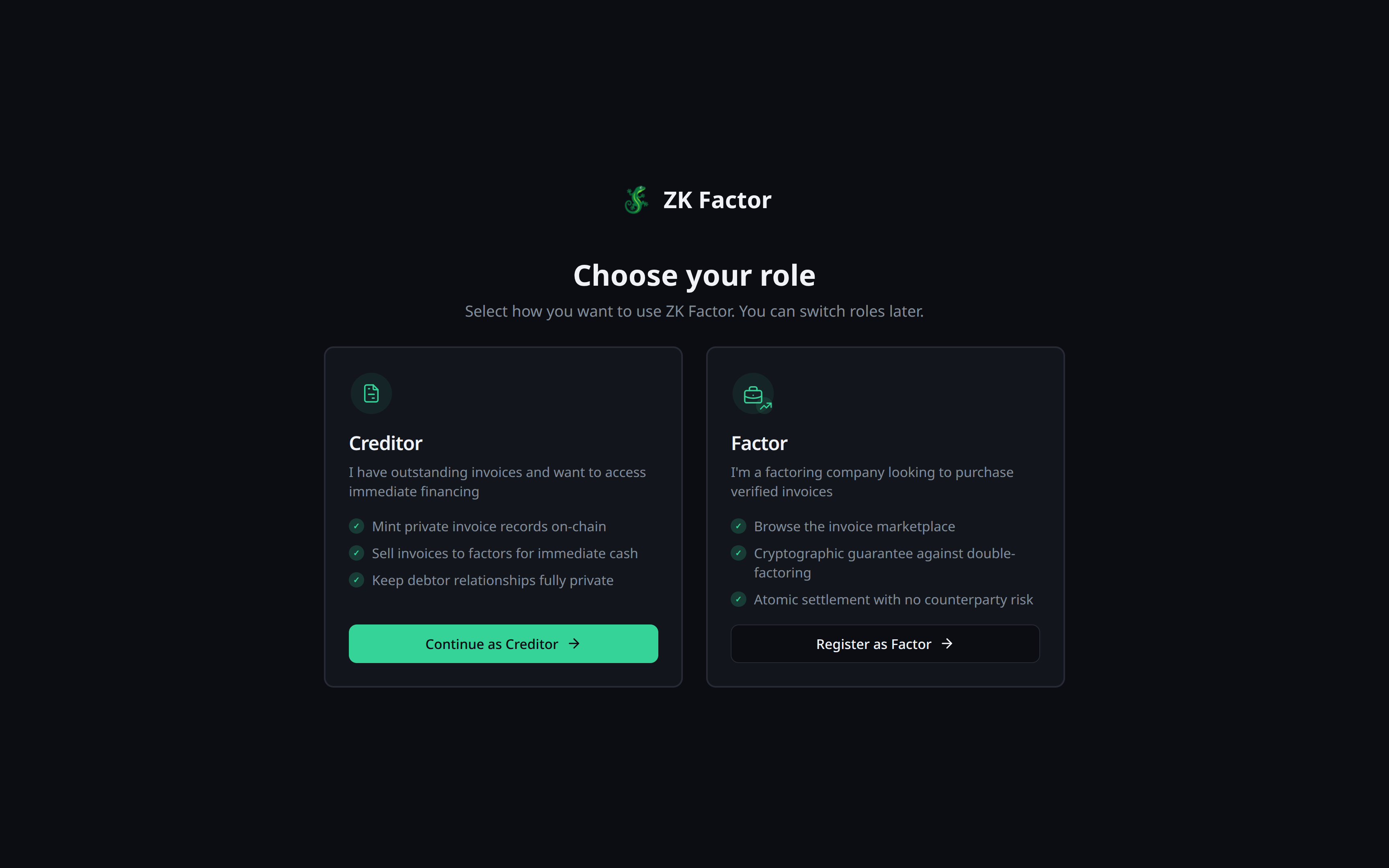
After connecting, you'll be asked to pick a role:
| Role | Who is it for? |
|---|---|
| Business | Companies that want to sell invoices for immediate cash |
| Factor | Financial institutions that buy invoices at a discount |
You can switch roles later from Settings.
First-Time Sync
When you first connect, the app scans the blockchain for your records. This can take a few minutes. You'll see a progress bar — once it finishes, your dashboard populates with your invoices and transactions.
Next Steps
- Businesses: Create your first invoice
- Factors: Register as a factor