Create an Invoice
Minting an invoice creates a private record on the Aleo blockchain. Only you can see its details.
Steps
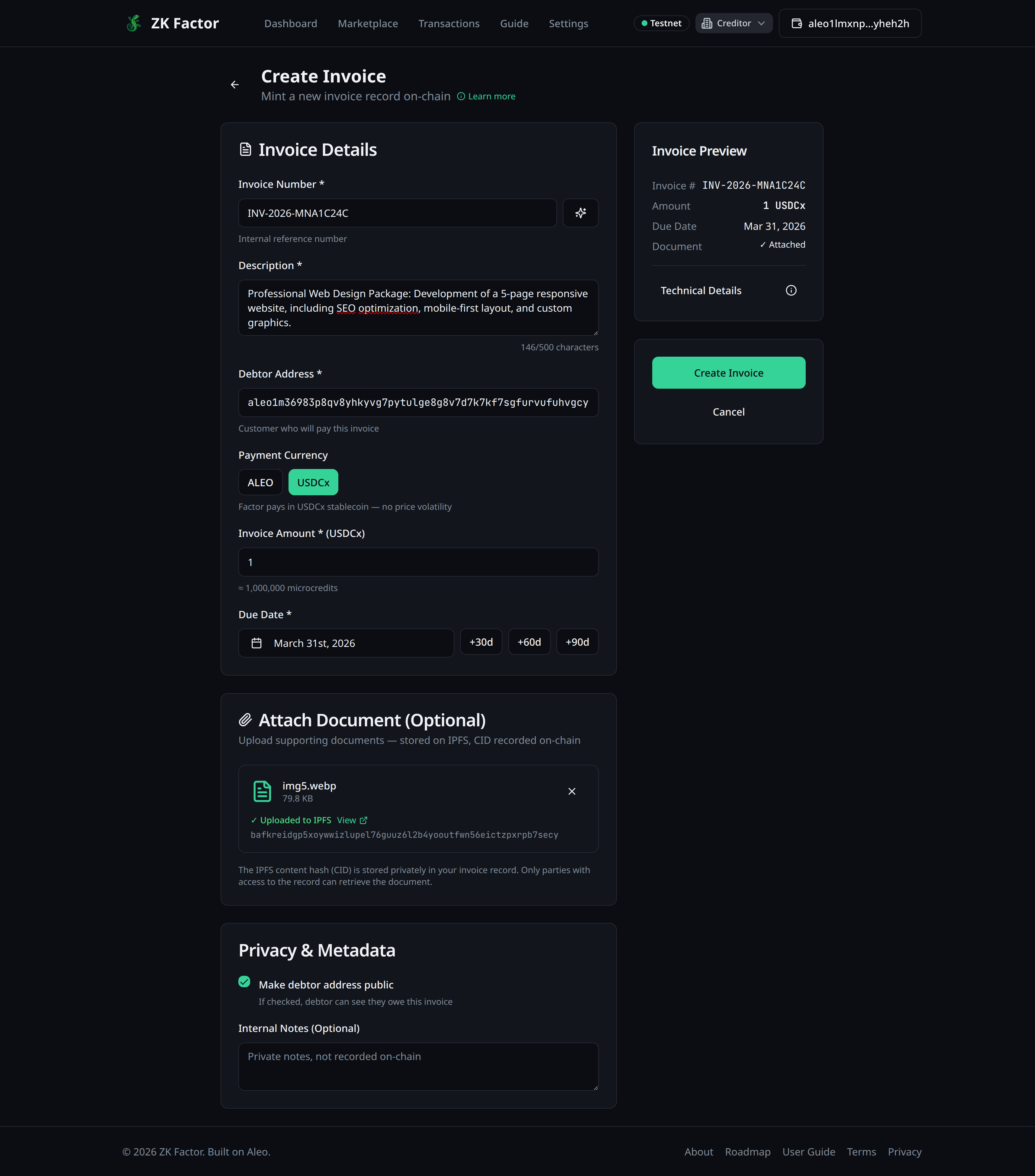
- From your dashboard, click Create Invoice
- Fill in the invoice details:
- Invoice Number — click the generate button or type your own
- Debtor Address — the Aleo address of whoever owes you
- Amount — how much is owed
- Currency — ALEO or USDCx (see USDCx Payments)
- Due Date — when payment is expected
- Optionally add line items for a breakdown
- Optionally attach a supporting document (PDF, image, contract)
- Review the summary on the right, then click Create Invoice
Proof Generation
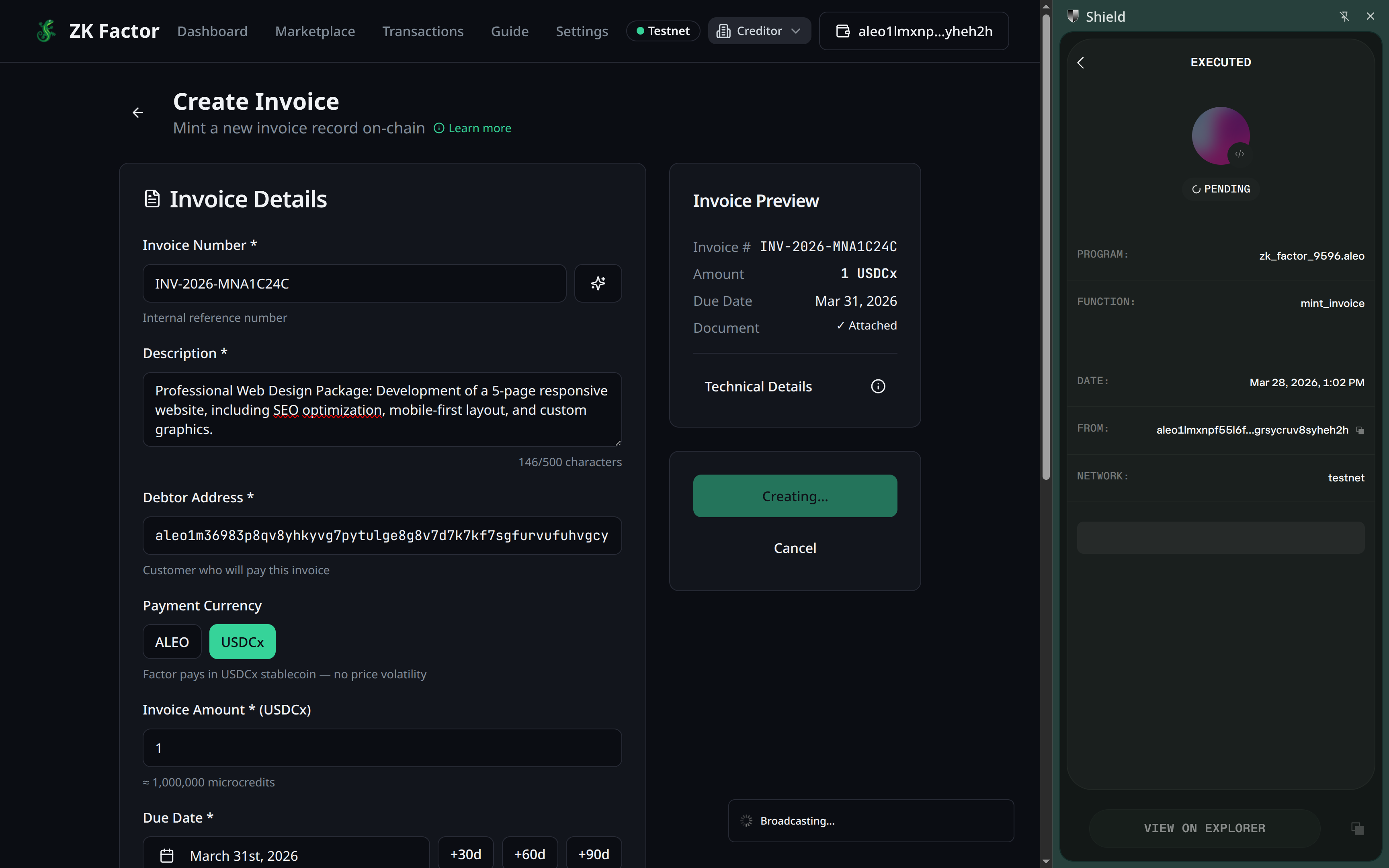
After clicking Create Invoice, your Shield Wallet will ask you to approve the transaction. You must sign this request before the proof generation process starts.
Once approved, the app generates a zero-knowledge proof. This takes 30-60 seconds (or up to 5-7 minutes if it's your first transaction ever). A progress indicator shows the status.
What Happens On-Chain
- A private Invoice record is created, encrypted with your key
- Nobody else can see the amount, debtor, or any details
- The invoice appears on your dashboard once the transaction confirms
Next Step
Ready to get cash for this invoice? Factor it.