Register as a Factor
Before you can purchase invoices, you need to register as a factor on-chain.
Steps
- After connecting your wallet, choose the Factor role
- You'll be taken to the registration form
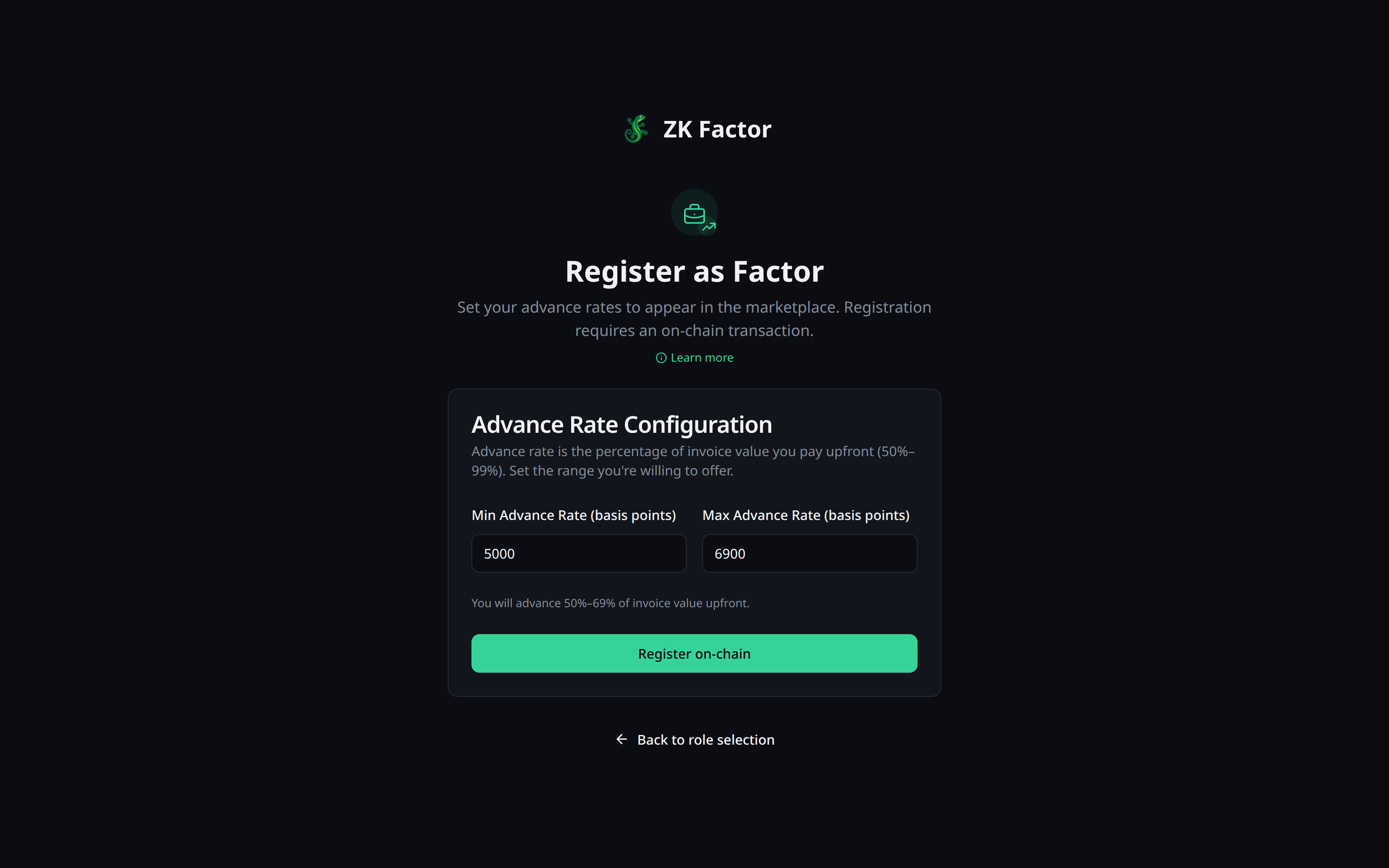
- Set your advance rate range:
- Minimum Rate — lowest rate you'll offer (e.g., 85%)
- Maximum Rate — highest rate you'll offer (e.g., 98%)
- Click Register
- Approve the transaction in your Shield Wallet popup
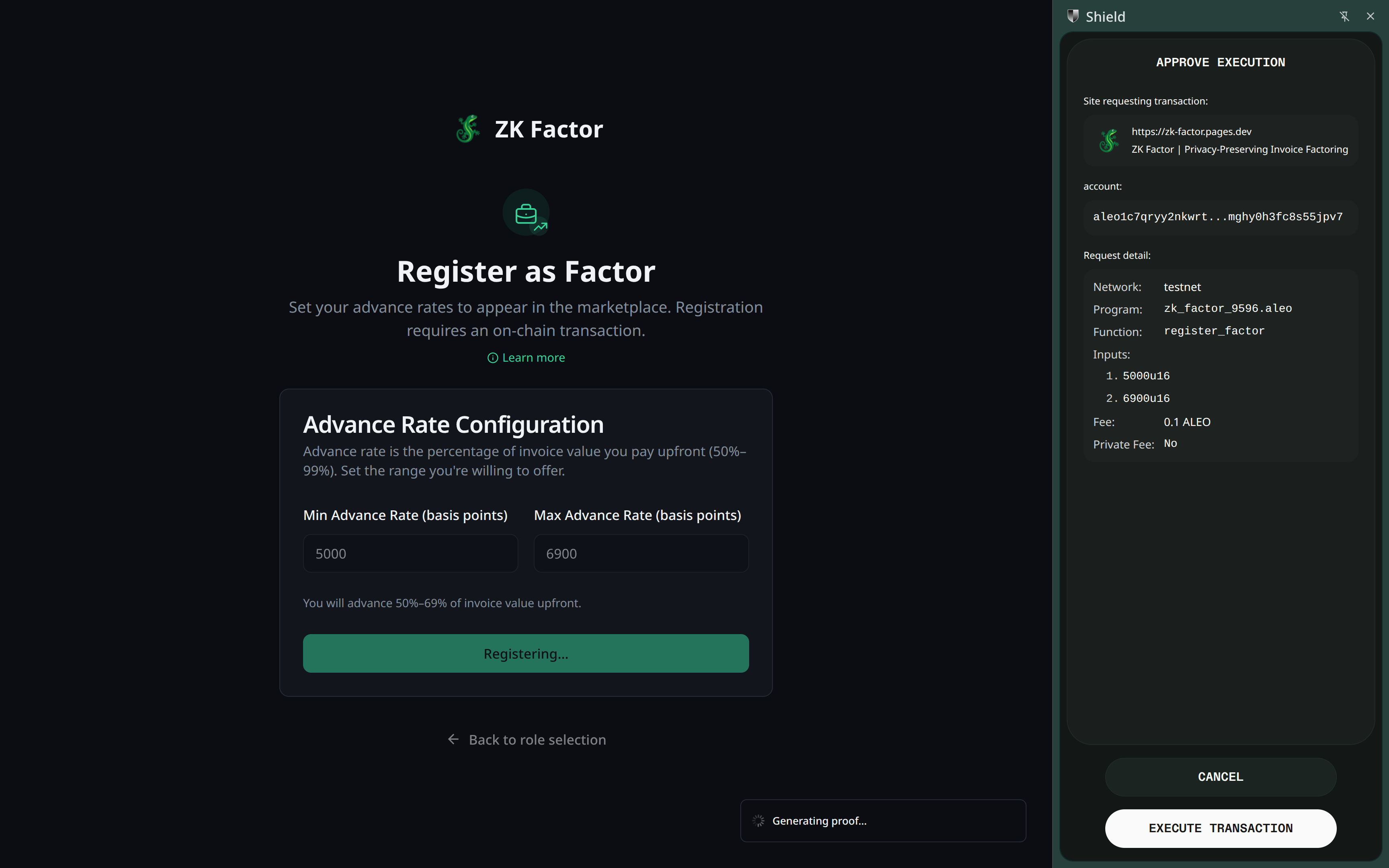
- Wait for proof generation. This process securely adds your factor profile to the Aleo blockchain.
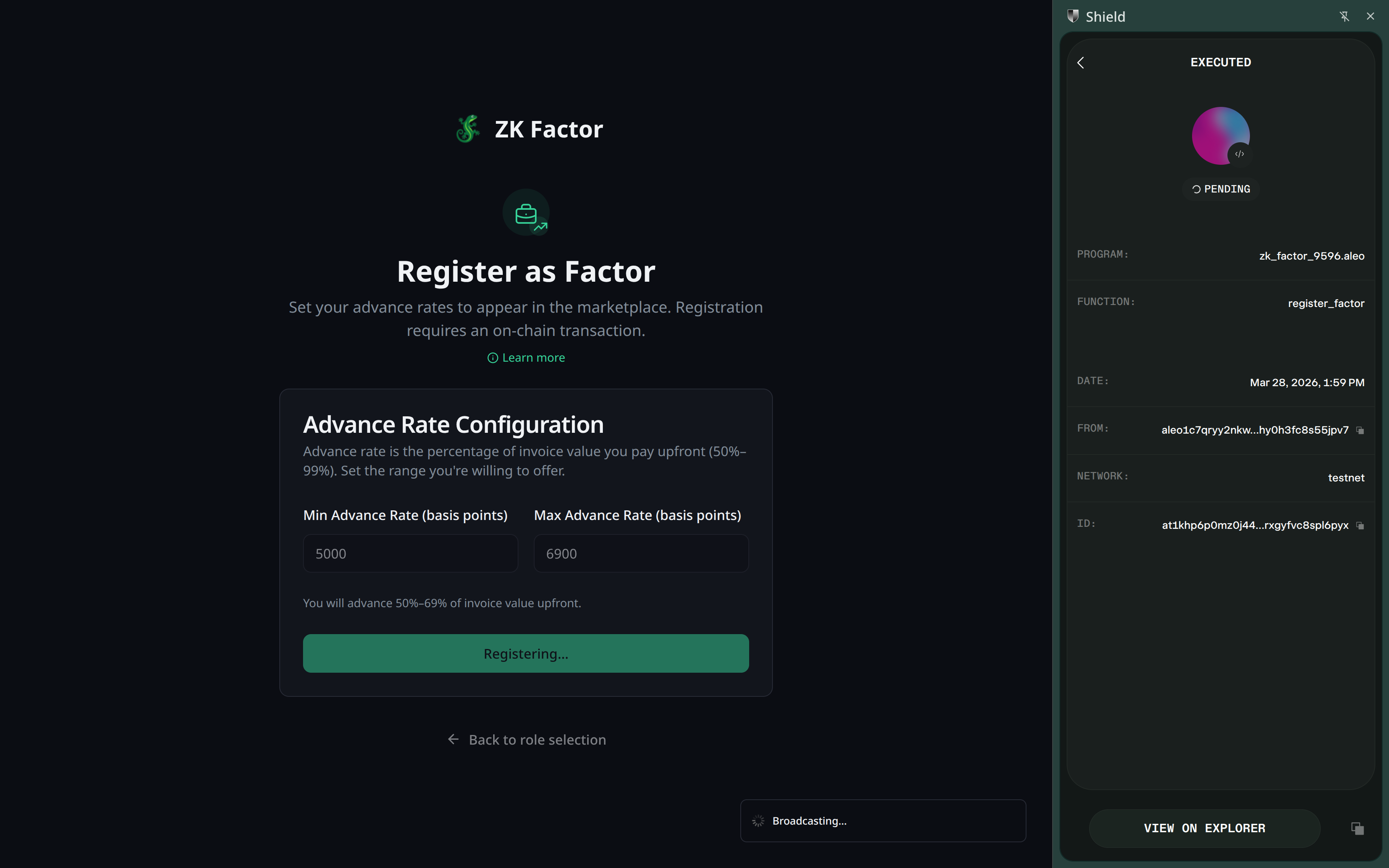
What Happens On-Chain
Your address is added to the public active_factors registry. This is one of the few things visible on-chain — it lets businesses know you're available.
Your rate range is public so businesses can filter factors, but actual deal terms are always negotiated privately.
Deregistering
You can deregister at any time from Settings. This removes you from the active registry. Existing deals continue to completion — deregistering only prevents new offers from being sent to you.
Next Step
Browse available invoices in the Dashboard.