Browse & Accept Invoices
The marketplace shows factoring offers that businesses have authorized to you.
Viewing Offers
When a business authorizes factoring with you, a Factoring Offer record appears on your dashboard. It contains:
- Invoice amount
- Currency (ALEO or USDCx)
- Due date
- Proposed advance rate
- Whether recourse is enabled: Yes/No
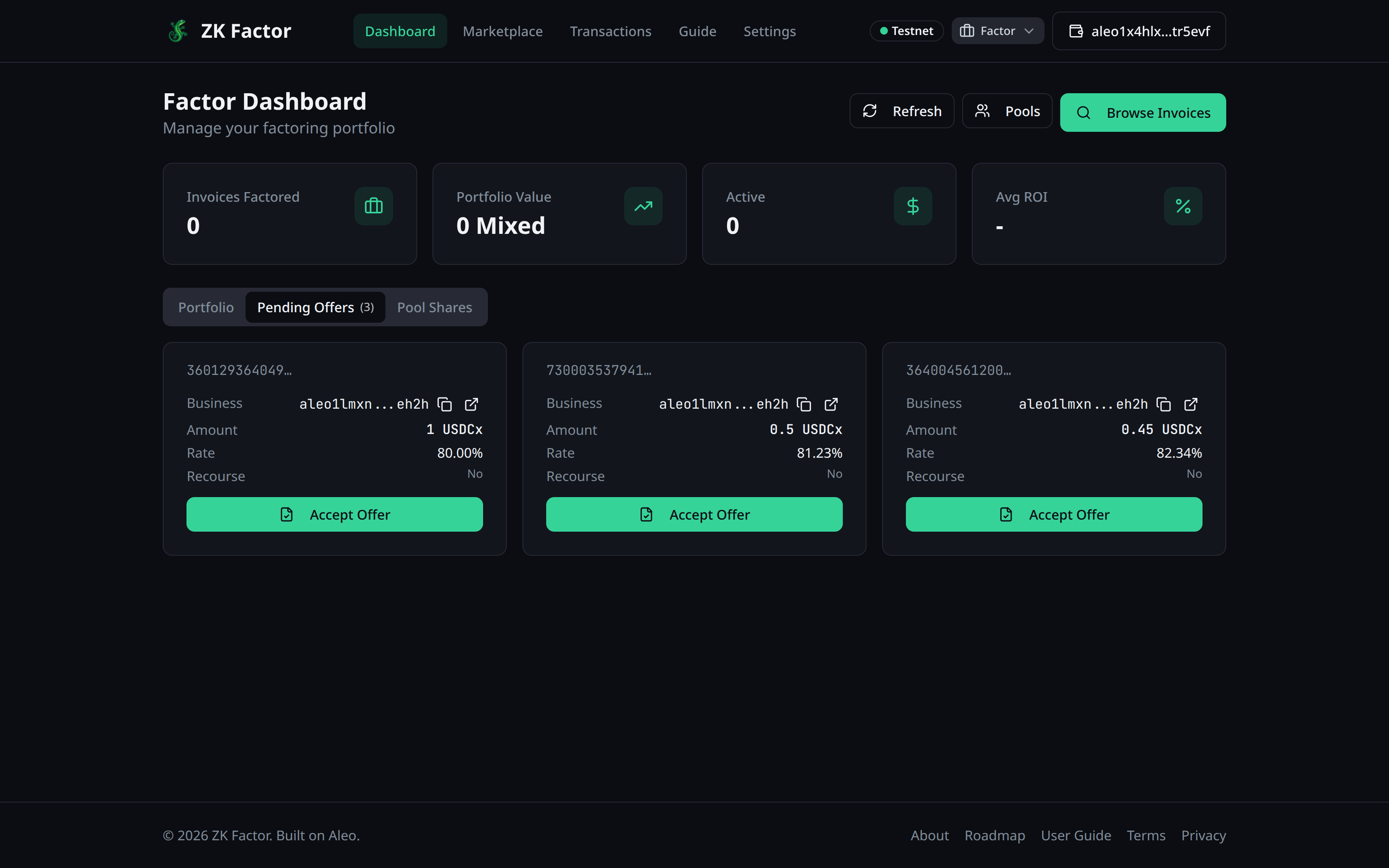
Accepting an Offer
- Review the offer details
- Click Execute Factoring
- Confirm the advance amount that will be sent to the business
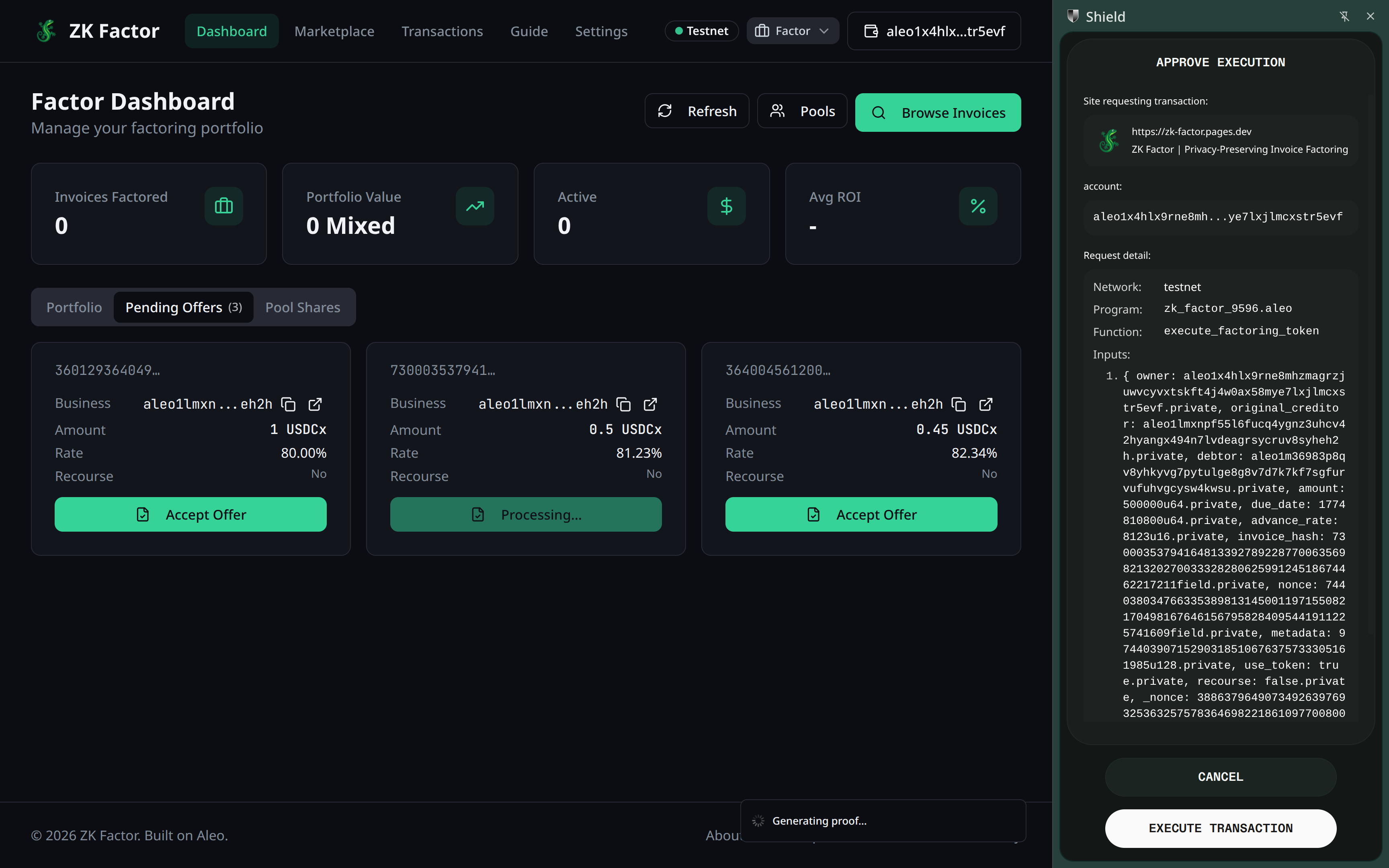
- The proof generates (30-60 seconds)
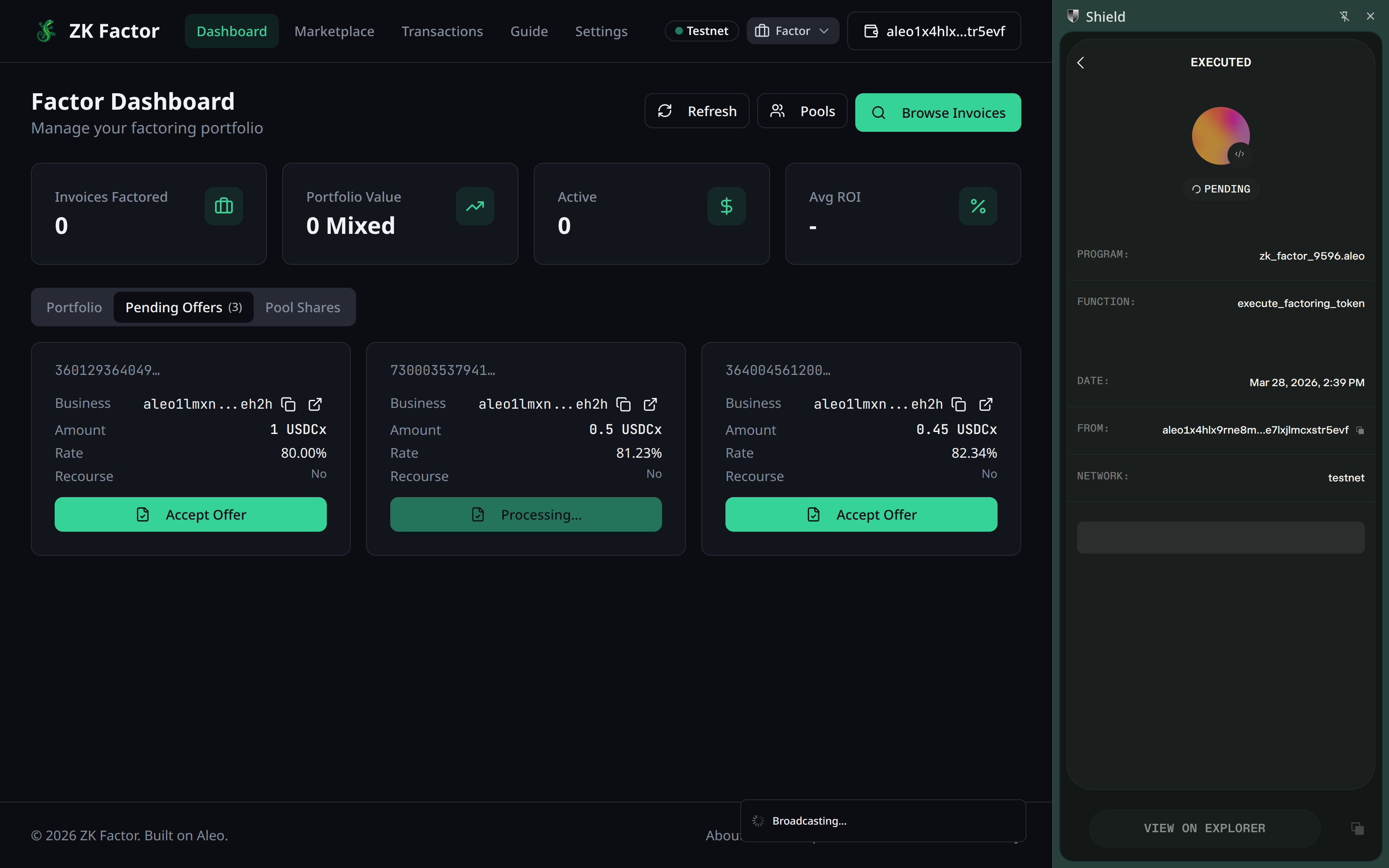
What Happens
- Your credits (or USDCx) are sent to the business as the advance
- You receive a Factored Invoice record — proof of your purchase
- The deal is recorded in protocol statistics
After Acceptance
You now hold the factored invoice. Your next steps:
- Send a payment request to the debtor — this creates a private Payment Notice that only the debtor can see
- Wait for the debtor to pay
- Settle the invoice once payment arrives
Too Large for One Factor?
Consider creating a Factor Pool to split the deal with other factors.